Page Structure:
Overview
The divider component does not have content. It can be placed between sections, and it takes up zero vertical space on the page. the image that is configured in the divider will show behind the adjacent sections. Dividers can be used to add visual breakup or background image graphics to the page.
Dividers accept an image and some configuration options. The image is assumed to be decorative, so no alt text definition is required.

Config
alignment: how to align the divider (center, left/right of content container, or left/right of window), default is "center"
width: the width of the image. can be percentage of available space (eg 50%) or a fixed amount (eg 30rem) what the heck is a rem
height: the width of the image. (eg 1rem)
offset vertical: fuss with the vertical position of the divider. percentages are percentages of the image size, can also use rem or px values. default is -50%, which is centering the image on the divider line.
offset horizontal: fuss with the horizontal position of the divider. percentages are percentages of the image size, can also use rem or px values.
Examples
above this section there is a divider using the "Strips" image, its aligned with the right side of the window, 80% width, and has a fixed height of 1rem. the previous divider higher up the page is the same thing but on the left side of the window.
above this section is the same exact config but aligned to the content container instead of the window. see how the width applies to the container width instead of the window width, and the image is aligned with the edge of the content.

above this section is a divider with a little book icon. notice how if my section doesn't have any padding, the content shows on top of the divider. this is intentional and desired in some cases. make sure if you're putting text in a section it has enough padding to not overlap the divider.
above this section there is a centered divider image
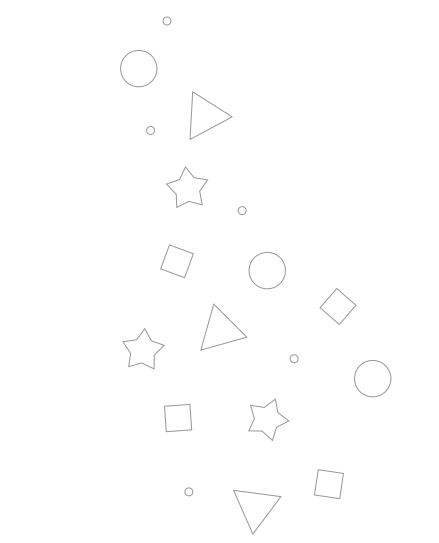
above this section there is a divider with a background image of some neat shapes. its aligned with the left side of the content, but the "offset horizontal" config is set to -100% to move it left by the width of the image and push it into the margin.